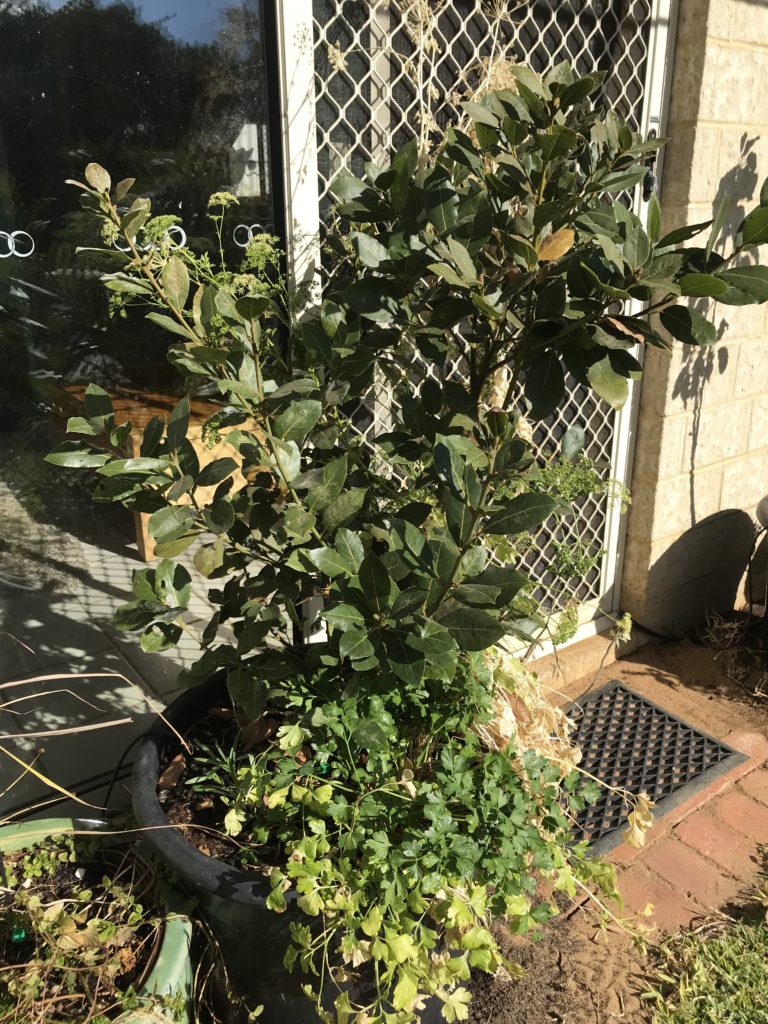
The bay tree is a “Baby Bay” variety and also kept dwarf by the pot size – otherwise it would be a full-blown laurel tree and 7 metres tall. Bay leaves for soup and stews.
The parsley is all over the yard and I let it grow wherever it chooses. In summer I grow tomatoes in the pots too. We just soak cracked wheat (bourghal) and have our own tabouli garden.
The cornflower is still a seedling at the back, but in a few weeks it will (hopefully) be around 60cm or so high with bright blue flowers. It is edible, but used more for interesting contrast in salads, rather than something you would go out of your way to pick and eat.
The green pot is growing Eu De Cologne mint, which CAN be brewed into a tea, but I prefer the peppermint and spearmint that I have growing in similar pots next to it. In baths, however, or even just crushed and rubbed on the skin, nothing can beat the fabulous fragrance. If you were a child of 1970s Australia and remember 4711 Ice Cologne …. it captures that smell very nicely.
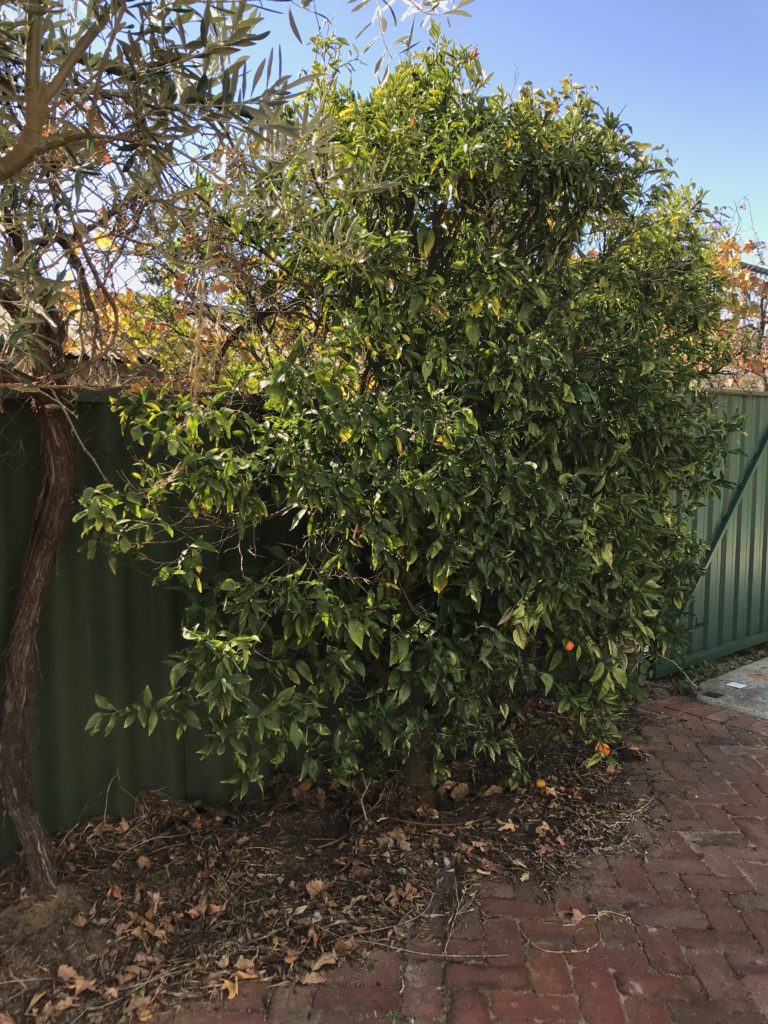
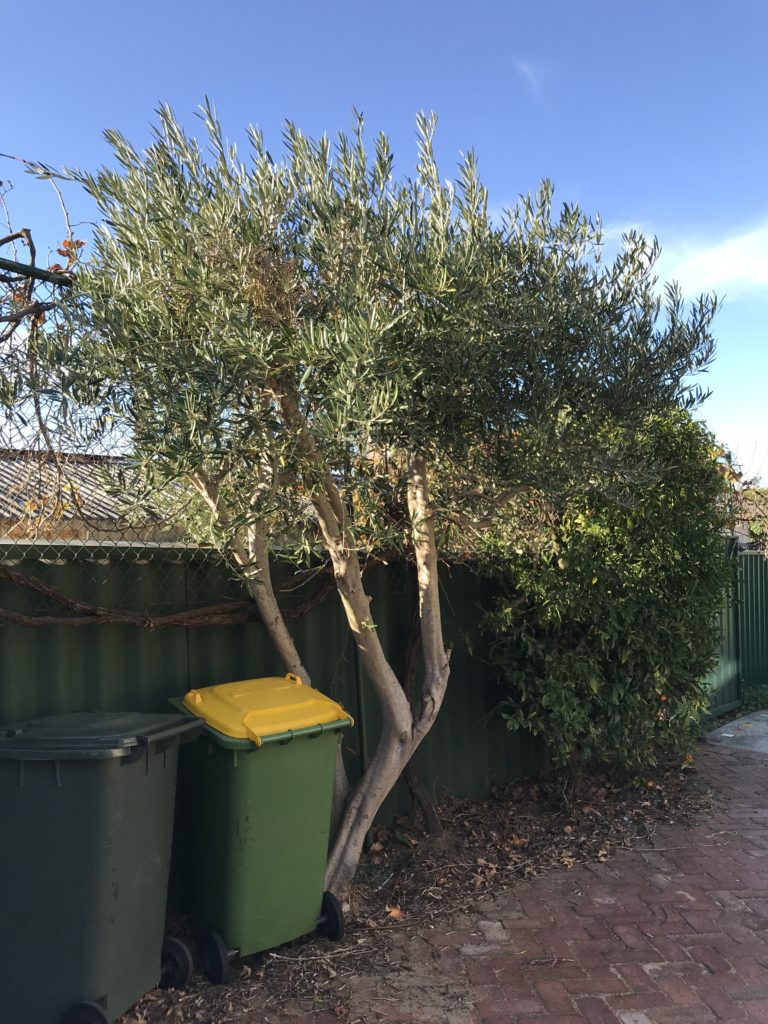
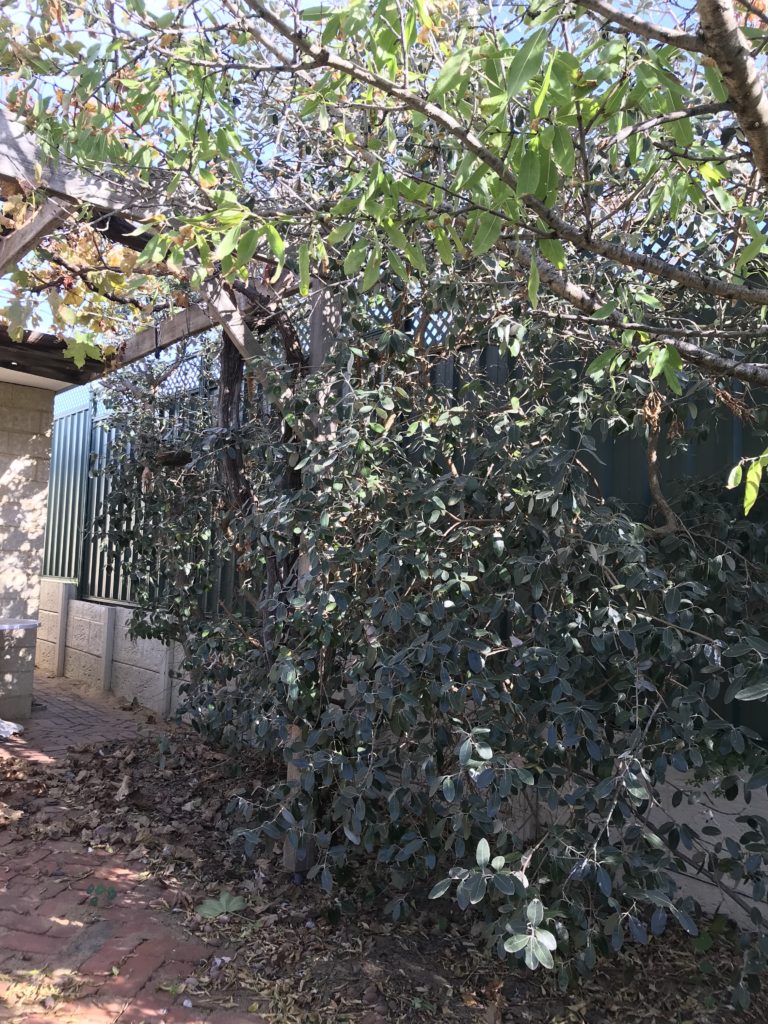
This is WHY I changed to dwarf fruit trees. The mandarine and olive provide a lovely welcome home drive, but are kept to manageable dimensions by rather frequent pruning.
It is difficult to see in the background, but behind both trees are grape vines growing on the mesh fence. The scattered leaves at the base are from the chooks foraging for bugs yesterday.
Our suburb has a community garden and a lot of olive trees in backyards. Every year we can pick the olives from our trees, take them to a central point and then they are driven up to an olive farm to crush into oil for us. We weigh the amount of olives we contribute, provide a bottle, and then receive oil in the proportion of our contribution to the press.
…quite a bit less than I will by the time 23 August comes around…
Today I found out that I have a paper accepted for the VALA: Libraries, Technology and the Future 2020 conference, being held 11-13 February 2020 in Melbourne. The theme is “Focus on the future”.
Small curio. (2018). Kindness [Photo]. Retrieved from https://www.flickr.com/photos/smallcurio/44693257391/
The full title of my paper is “Kindness and UX in GLAM online presence: Same, same but different?”.
I understand the key definitions and can write about the context until the cows come home, but what I want to play with and get my head around is a question I will be nutting out for the next couple of years anyhow…
…”If it is not possible to mandate/enforce kindness, due to the voluntary and discretionary nature of true kindness, then is it instead possible or desirable to create an environment that grows kindness?”
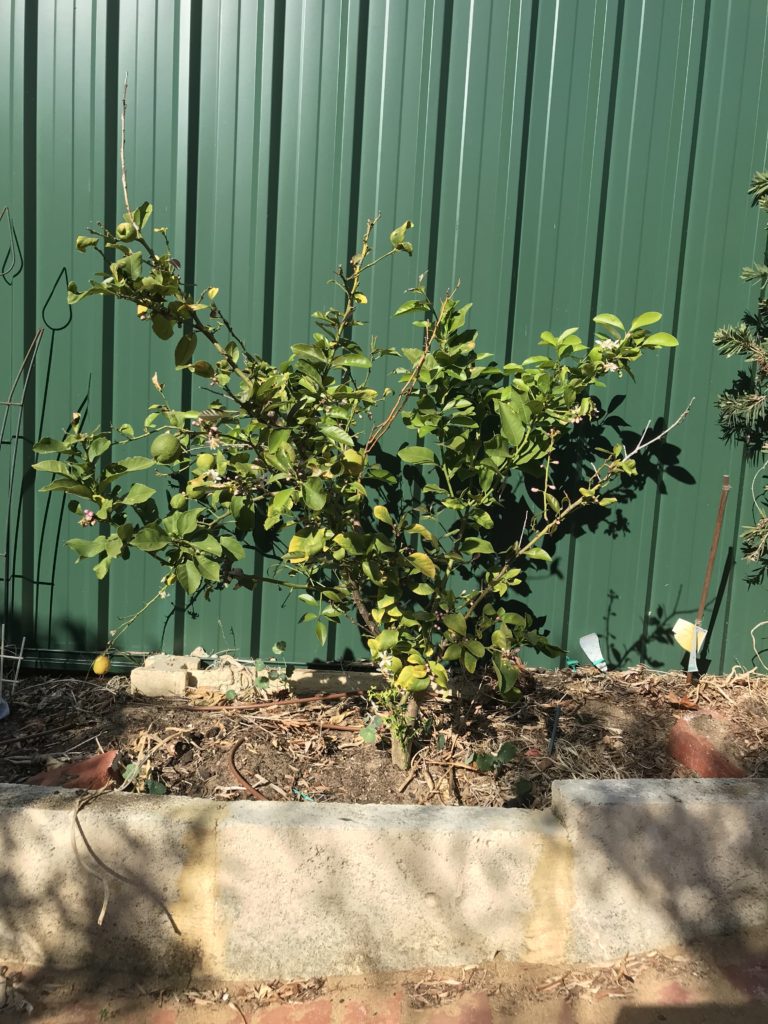
My garden is actually very small, so about five years ago I gave up on regular species of trees and started with the dwarf varieties.
This dwarf lemon is around four years old, and treated very badly indeed. It is water-stressed over summer and has only just fruited for the first time.
My gardening philosophy is that if a is plant hardy enough to handle where it has been planted, it gets to stay. Harsh, but it means that I spend very little time cosseting my plants like they are sickly infants, and generally if something takes in the garden, it is very well suited to where it is.
(Of course, I do do a lot of handwatering and fertilizing at the very start to give it the best chance of taking… )
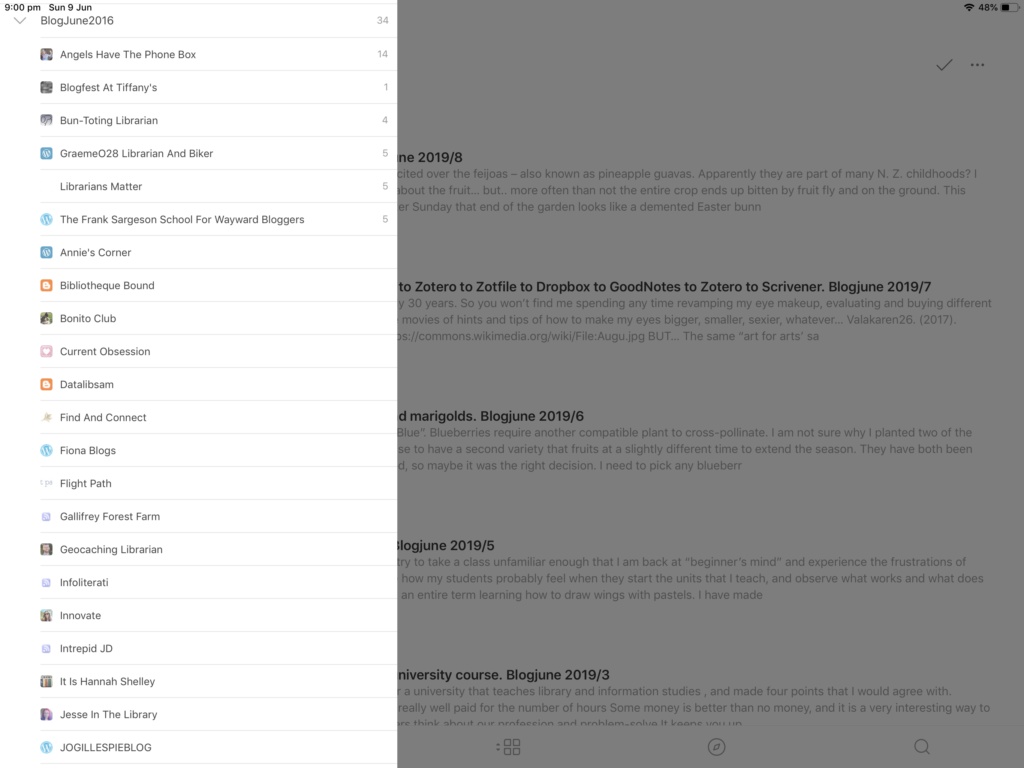
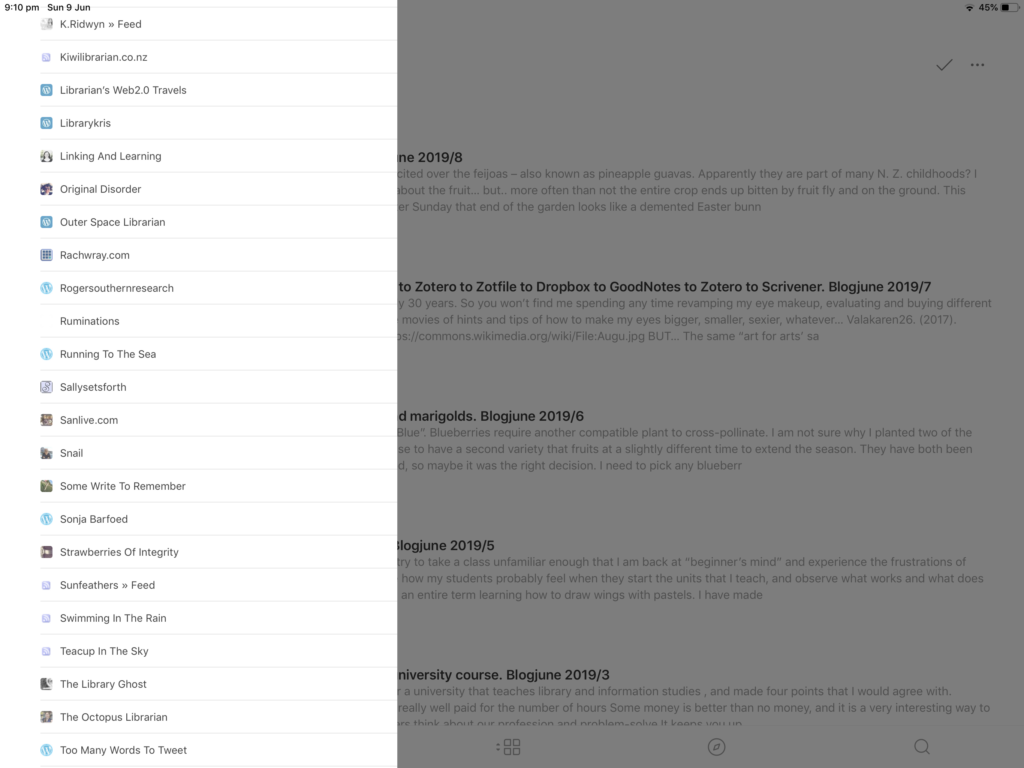
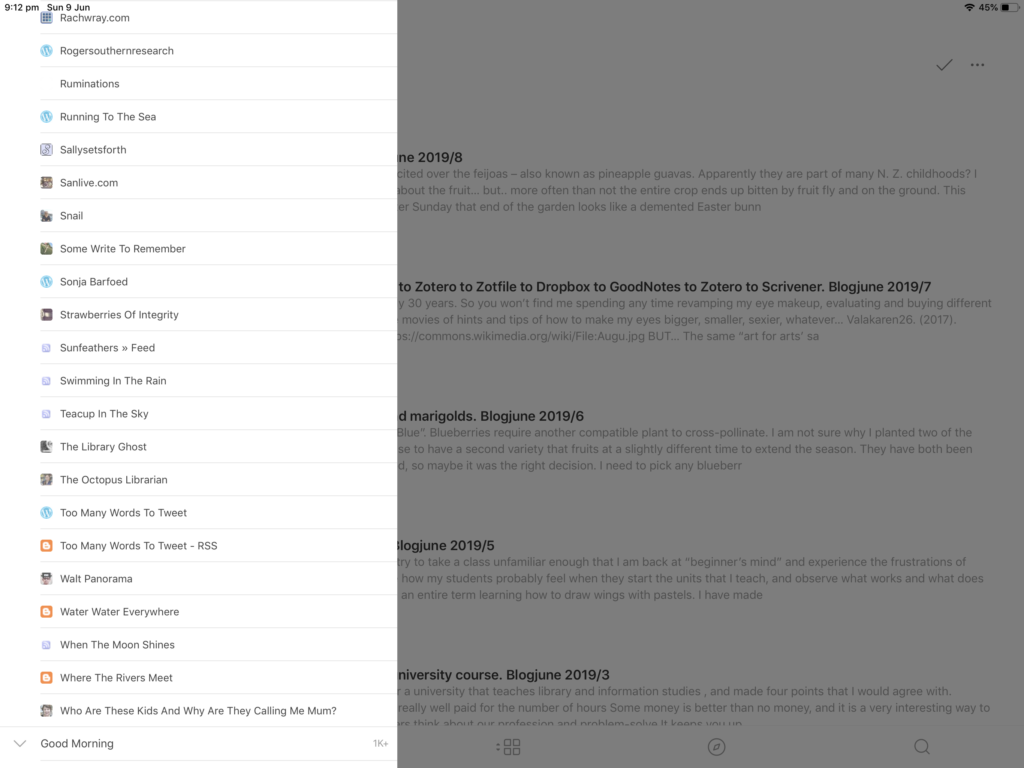
I started using Feedly to read RSS feeds again during Blogjune around 2015 I think.
I still use it for feeds of the ABC Just In stories and the Conversation each night, but not a lot more.
Each Blogjune, some blogs in the the bundle of RSS feeds I saved the previous year become active, but fewer and fewer each year.
I took a screenshots of the list from 2016. I miss so many of the different voices. I would love to see even one entry from any of these this June …hint, hint 🙂
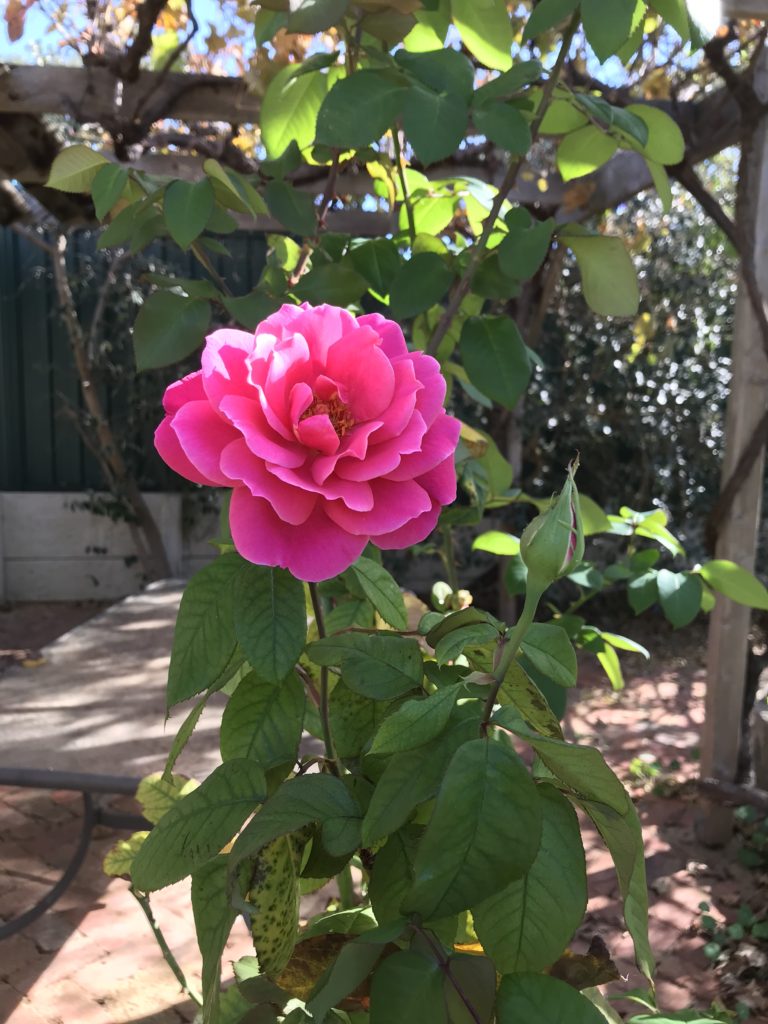
Sylvia was planted for my mother after she died, and blooms every year on the anniversary of her death.
“Best Friends”, pictured here, was a gift from a friend when I married, in the hope that this would sum up my married life.
“Cecile Brunner” is a teeny tiny, perfectly-formed miniature rose that clambers over an arch at the front of the garden. I used to walk past my next-door neighbour’s bush each morning on the way to school, and was captivated by the smallness and delicateness of it. The bush itself is hardy as an elephant’s foot.
A climbing white iceberg is on a second arch, next to Cecile Brunner. A good, solid type of rose bush for traditionalists.
Rose petals can be candied. You paint individual petals in a syrup of sugar and water, or even an eggwhite meringue mix. They can be very, very slowly dried in a very low oven, or left overnight.
Unless my professional reading is shoved under my nose as part of my workflow, I tend to neglect it.
David Blackwell. (2014). Read More [Photo]. Retrieved from https://www.flickr.com/photos/mobilestreetlife/12134731775/
I have three major sources of leads for what to read next.
1. Twitter.
I strategically follow people who are good at flicking out links that I will want to read … or even links that I will not read, but know that they exist in case I want to go looking for them later.
Generally I use the “2 minute rule” for productivity and during time in my day set aside for Twitter I will read useful links then and there. Those too long to read in two minutes are either:
Nodded at politely, thanked for existing, then ferreted away in my brain under “may be useful if you could only recall it exists and where it is”
If I know it has use for my writing/research – saved to my citation manager in a specific collection for later academic use
Those with general interest (e.g. articles from the Conversation about academic mental health) – saved to Pocket for leisure reading
Those useful for teaching – emailed to myself, to be processed when I next do my email, generally transferred to my “Teaching to Read” folder.
I hit “peak curation” last month when I realised that I was co-curating with Jane Cowell in a very, very odd way.
When I specifically taught Twitter to my tech students, I set up a “paper.li” paper called The Infoventurer Weekly. Paper.li is a great little tool that collates the most popular/followed links that the people you follow push out, and sorts them into a magazine-format webpage. My Twitter account automatically tweets out a link to the paper.li paper every week.
Now, I don’t always see the most popular links from the people I follow on the day they send them out, and while I would like to say I generally read the paper.li each week, I simply wasn’t.
But – Jane was. She would then tweet out a very interesting link, hat-tip to my account by including @infoventurer in the tweet. I would see it, and discover a delightful, relevant interesting link that I would not have seen otherwise.
2. Email alerts
Email is another “in your face” way to make sure I will read. I want the link to come to my inbox, and then to be filtered into its own file called “To Read”, sitting on my sidebar with the number of entries obviously growing each day…nudging me to set aside time to read, or at least browse.
Each source has its own folder that it is automatically filtered into.
The sources that I use are:
Those pesky emails I email to myself when I find articles but do not have time to read
Automated alerts of new items added to the discovery layer for my university library, about my research interest
Automated alerts from some of the large journal databases provided by my university library, about new items that meet my research interest
The UK-based JournalTOCs (Tables of Contents) site. You can set up a profile and then select alerts of newly published items in journals that you specify. There are over 300 Library and Information Science titles listed.
ALIA’s Professional Development Postings, ALIA Weekly , and the Australian Public Library Alliance News
3. Exploiting my poor students dreadfully
I set an assessment in my technology unit where postgraduate students are required to locate an authoritative journal article published in the last two years that is specifically relevant to whichever Topic we have studied that week, and provide an analytic summary.
(Not all students, the task is evenly divided over the weeks. Those who do not summarise an article have opportunity to answer questions posed by the students who summarise the articles)
This is a really good way to ensure they do actually understand what the topic was about, as they have to articulate how the article is relevant. It also makes sure they understand what the disciplinary literature looks and smells like, and the quirks of the “how we done it good” papers, and the not-so-authoritative journal articles that still manage to be not-so-helpfully indexed by sources like Proquest.
The summaries are shared, so it builds up for all students a far wider survey of current reading than I could ever provide in my Topic notes.
BUT – It also is a way I can check that I am on top of the latest literature in the area I teach. Sometimes I will incorporate a reading a student found the previous semester into the Topic readings. Even if I do not, by following the citations in the articles I am forced to get a pretty good handle on some of the current disciplinary thinking in the areas I teach.
New Zealanders who visit get very excited over the feijoas – also known as pineapple guavas. Apparently they are part of many N. Z. childhoods?
I would like to say I feel the same way about the fruit… but.. more often than not the entire crop ends up bitten by fruit fly and on the ground. This tends to peak at Easter, so every Easter Sunday that end of the garden looks like a demented Easter bunny has dropped green and brown fruity Easter eggs.
By contrast, I DO get a bit excited by the flowers. The petals are like a thick, crisp suede, but have a lovely, fruity flavour. Even though I don’t eat the fruit, I can’t bring myself to eat many of the flowers because it feels like I am stopping the life-cycle… which really makes no sense if they are just going to end up on the ground.
I haven’t worn eyeshadow for probably 30 years. So you won’t find me spending any time revamping my eye makeup, evaluating and buying different cosmetics to try or watching YouTube movies of hints and tips of how to make my eyes bigger, smaller, sexier, whatever…
The same “art for arts’ sake” urge that has some people fiddling with the look of their eyes seems to have me in its grip around workflow for taking notes for my thesis. It is beyond just trying to find a way that is fast, suits me and will just do the job with no more need to think. I’m a big tweaker.
Recall and understanding is improved wildly for me if I take handwritten notes as I read, so my iPad and pencil are central. But, months later I want to be able to search the text of my notes too.
And if I start writing something while immersed in my notes and sources, then need to come back to it months later, I want to be able to pick up where I left off, with the original notes and ideas handy.
The system I have now allows me to:
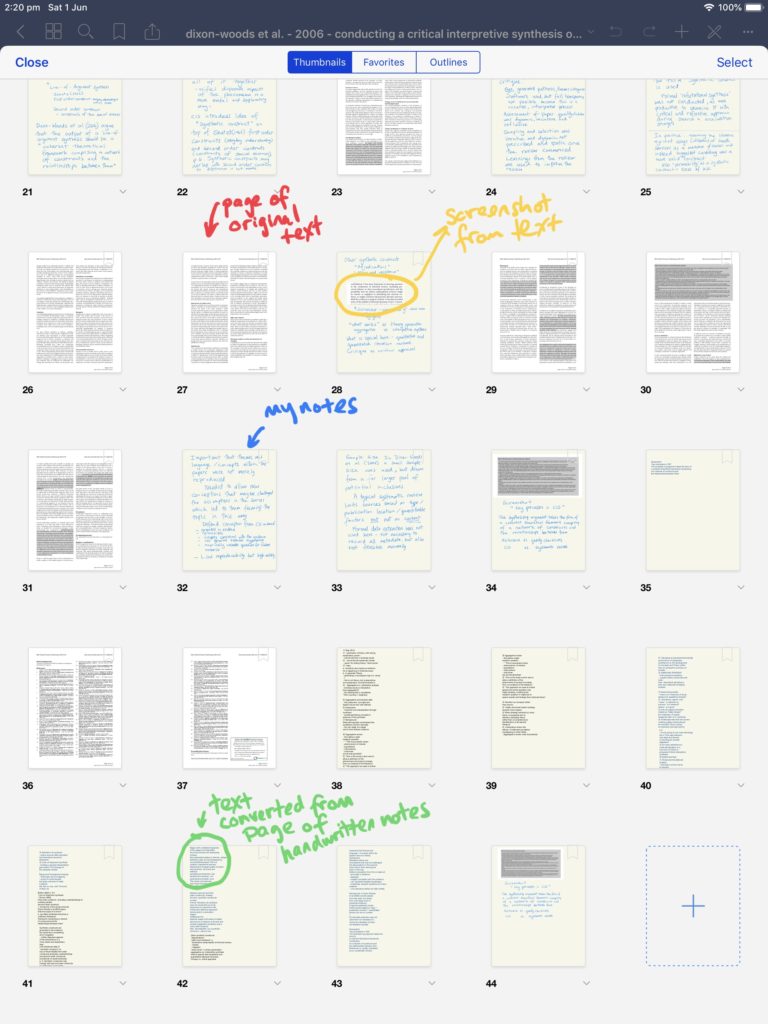
interleave my handwritten notes within the text of a journal article
automatically convert these notes to typed text
have my handwritten notes searchable in my citation manager
have the PDF + notes at hand and searchable at point of writing.
Insert a blank page after the first page of the PDF. Handwrite notes associated with the first page on to the blank page. NEATLY!! (this becomes important)…And scribble as much as I want over the text itself.
When I start reading a new page, I insert a sheet after that and continue to handwrite notes
When I have finished, I use the lassoo tool to highlight my handwriting and use the CONVERT function to convert my handwriting to text. It is about 95% accurate if I write neatly.
Copy converted text to the clipboard.
Paste converted text from each interleaved page to a series of text boxes on pages inserted at the end of the document.
Upload the annotated version of the PDF back to Zotero
Copy the text converted from my handwritten notes and paste it in an accompanying Zotero Note.
When I want to use the PDF contents in my writing, I open Scrivener, where I do most of my writing.
Then I just drag and drop the PDF from Zotero into the “Research” area of the Scrivener pane. It automatically formats the citation and stores a copy of the PDF in the writing project. Then I can see and browse the source (and any others I am have saved there) as I write.